Computer Aided Design (CAD)
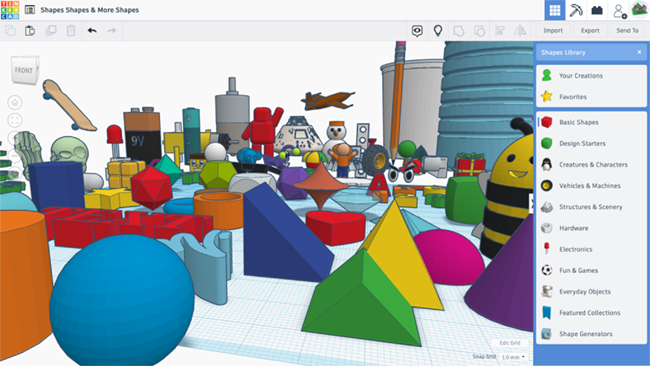
Our Tinkercad CAD course gives children a gentle, browser‑based introduction to 3D design that feels playful but teaches serious design skills. They learn how to combine and modify simple shapes, measure accurately, and think in three dimensions, then export their designs ready for 3D printing or use in other projects. Along the way, they see how CAD is used in the real world for everything from product design and engineering prototypes to custom parts and models, mirroring KS2/KS3 expectations to “develop and communicate ideas using computer‑aided design” in Design & Technology and Computing. Tinkercad’s circuits and code blocks also support cross‑links with electronics and coding work, helping pupils understand how digital and physical design fit together.
3D Basics & Simple Models
Children learn to navigate Tinkercad, combine basic shapes and use align/group tools to build simple 3D models like name tags, tokens and keyrings ready for printing.
- Level 2
- 3 Sessions
- Years 5 - 6
- 1 Project
Accurate Design & Real‑ World Parts
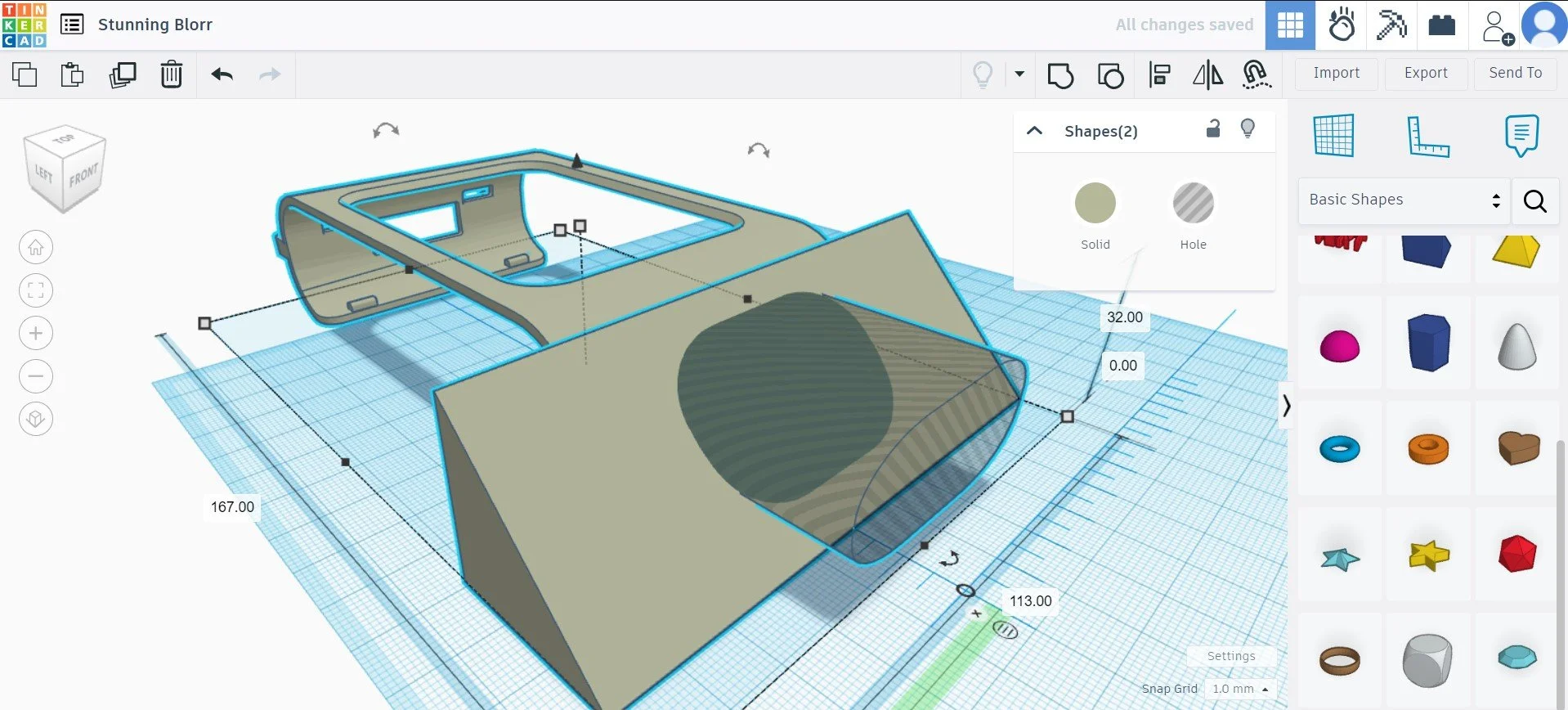
We focus on precise measurements, symmetry and tolerances so children can design practical objects – stands, brackets, boxes and clips – that fit and work in the real world.
- Level 2 - 3
- 5 Sessions
- Years 5 - 6
- 3 Projects
Advanced Tools & Project Build
Learners explore advanced features such as importing graphics, custom shapes and designing for 3D‑printer limits, then plan and create one complete “from idea to print‑ready” project.
- Level 3
- 8 Sessions
- Years 5 - 6
- 4 Projects